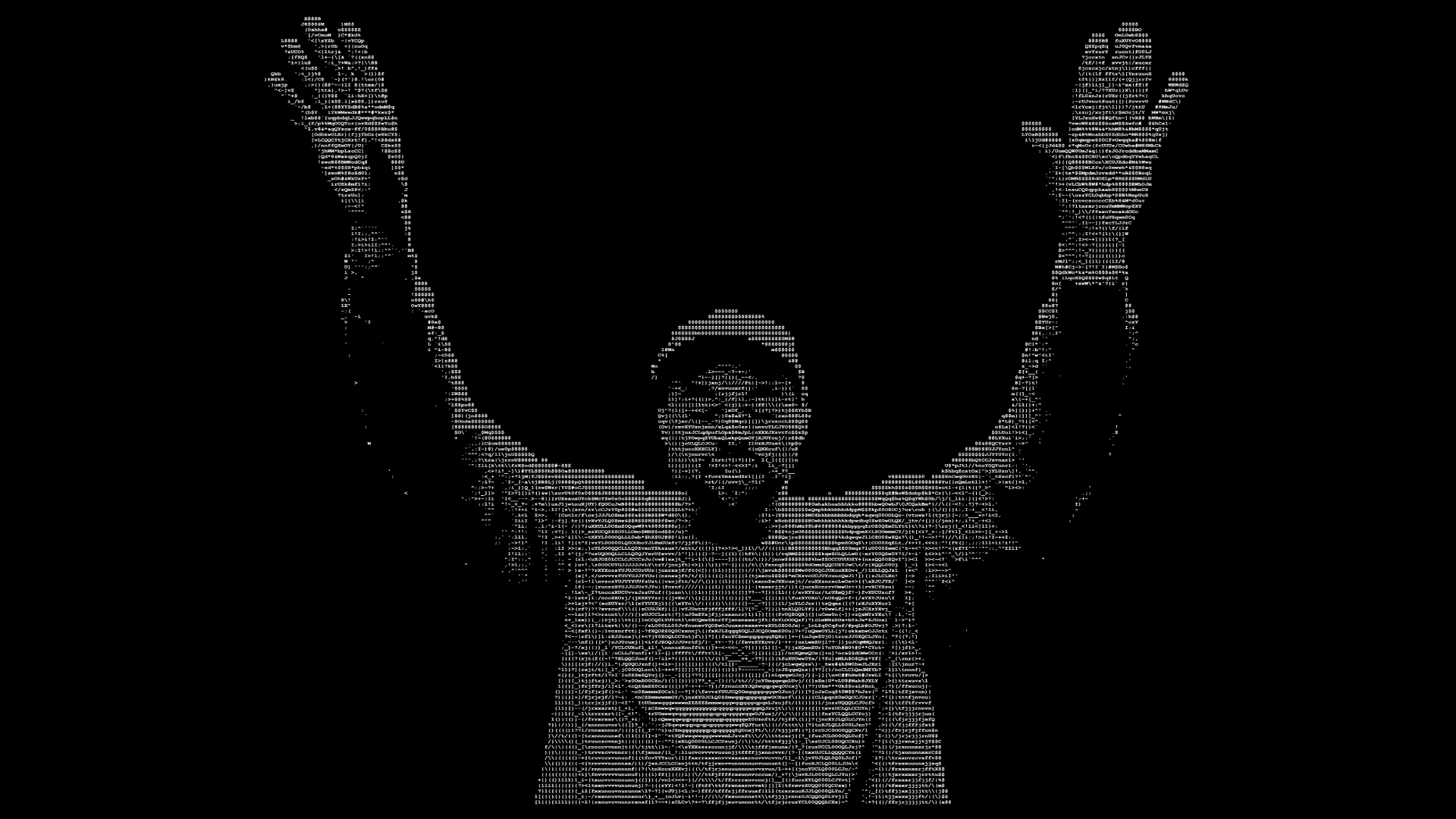
ASCIImotion turns images and video into ASCII art. The conversion runs in the browser, so source files do not need to be uploaded to an application server.
The product constraint
An ASCII frame can contain several thousand characters. Video multiplies that work across every frame, while an editor also needs to respond immediately when the user changes the density or character set.
The challenge was to keep that interaction fluid without building an interface where each character became a separate HTML element. At 30 frames per second, even a small delay in each render is visible as uneven playback.
One DOM update per frame
Each frame is built as a single string, then displayed in one DOM update. This gives up per-character manipulation, but that capability was not useful to the editor. The simpler representation removes thousands of element updates from the animation loop.
This is a product decision as much as a rendering optimisation: the data model matches what the interface actually needs instead of preserving flexibility that would make playback slower.
Typography is part of the renderer
Monospace fonts do not share identical proportions. The same source can look
dense in one font and stretched or too light in another. Character contrast
also changes the result: @, #, + and . contribute different visual
weights.
ASCIImotion therefore exposes density and character-set controls in the editor. Users can import media, adjust the rendering and check the animation before exporting it.
One rendering path from preview to export
The application keeps frames and undo/redo history as snapshots that are easy to inspect. Still images, GIFs and video have different output constraints, but they all use the same frame renderer. Preview and export therefore start from the same representation instead of maintaining separate visual pipelines.
The result is an open-source browser editor focused on a complete, direct workflow: import, tune, preview and export.